AI for e-commerce · July 25, 2026 · 10 min read
AI chatbot for electronics stores: prevent compatibility mistakes

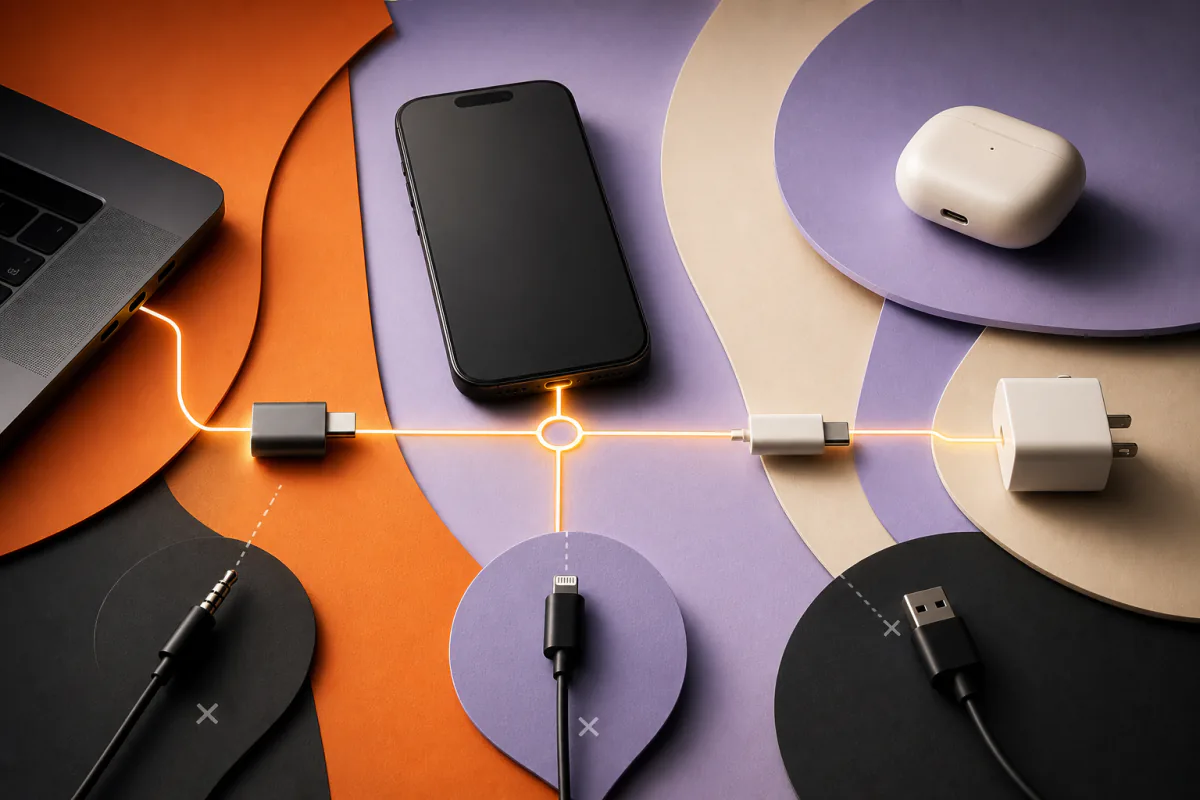
The expensive electronics mistake is often a small one: the right category, the wrong connector; the right case, the wrong model year; the right charger, the wrong power profile.
A shopper rarely wants “a cable.” They want a cable that connects one exact device to another, supports the required signal or charging speed, works in their region, and arrives before the trip. An electronics-store AI chatbot can help with that decision—but only when compatibility is treated as a verified rule, not a creative recommendation.
An AI chatbot for an electronics store helps shoppers identify an exact device, translate ports and specifications into hard constraints, search current products, and explain which accessories are verified to work. It should never infer compatibility from a product name or image, and should route missing, safety-sensitive, or model-specific evidence to a specialist.
Quick take
- Exact model beats category: “iPad case” is not enough when generation and screen size change the fit.
- Compatibility is an eligibility rule: an incompatible bestseller should never enter the shortlist.
- Ports are only the beginning: protocol, power, region, dimensions, operating system, and included parts may matter too.
- Evidence must be visible: name the verified model, specification, and source behind the answer.
- Unknown means unknown: missing compatibility data should produce a useful clarification or handoff, not a guess.
Why do electronics shoppers struggle with compatibility?
Electronics catalogs contain products that look interchangeable while differing in ways a thumbnail cannot show. The same connector shape can support different data rates, display standards, or charging capabilities. A device family can keep the same marketing name across several generations. Regional power, carrier, firmware, and operating-system limits add further exceptions.
Search behavior reflects that complexity. Baymard Institute identifies compatibility queries as a distinct e-commerce search type and notes that shoppers often include an exact product or model when looking for accessories (Baymard, 2025). The store has to understand both sides of the relationship:
- the customer’s exact device or intended setup;
- the accessory’s verified compatibility and limitations.
Keyword search can retrieve products containing the same model name. It cannot safely prove that the selected variant works.
What should an electronics compatibility assistant ask?
Ask only for facts that can change eligibility. The sequence depends on the category.
| Product request | Useful clarification | Evidence the assistant needs |
|---|---|---|
| Phone or tablet case | Exact model and generation | Manufacturer compatibility list, dimensions, cut-outs |
| Charger or power bank | Device, required wattage, charging standard | Supported profiles, output per port, cable requirements |
| Display adapter | Source device, display input, resolution and refresh rate | Port capabilities, supported protocol, adapter limits |
| Laptop dock | Exact laptop model, monitors, peripherals, power need | Host requirements, OS support, display limits, power delivery |
| Replacement battery | Exact device and part number | Approved part numbers, voltage, chemistry, safety instructions |
| Smart-home accessory | Hub, region, protocol and platform | Supported ecosystems, frequencies, app or firmware requirements |
| Camera accessory | Camera body and intended function | Mount, interface, firmware, physical clearance |
The assistant should distinguish a lookup from a recommendation. “Does this fit model X?” needs evidence for one relationship. “What dock should I buy for two monitors?” requires a short requirements interview before the search begins.
How should compatibility be represented in product data?
The safest design uses structured relationships instead of relying on prose alone.
Useful fields include:
- exact supported device identifiers and aliases;
- explicitly unsupported or excluded models;
- connector type on both ends;
- protocol and version;
- power input, output, voltage, current, and supported charging profiles;
- physical dimensions and tolerances;
- operating-system and firmware requirements;
- region or market restrictions;
- required companion parts;
- included cables, adapters, and power supplies;
- source URL, revision date, and manufacturer document.
Shopify’s product-content guidance treats specifications, compatibility, variants, availability, shipping, and returns as core product information rather than decorative copy (Shopify, 2026). That is also the information a grounded assistant needs.
A free-text line such as “works with most modern laptops” may help marketing, but it is weak decision data. “Verified for models A and B; requires a USB-C host with DisplayPort Alt Mode; not supported on model C” is actionable.
Vehicle parts make the same evidence problem more demanding because model year, engine, build date, trim, axle, and modifications can all change the answer. See the separate auto-parts fitment assistant guide for that workflow and its safety boundaries.
What does a good compatibility conversation look like?
Consider this request:
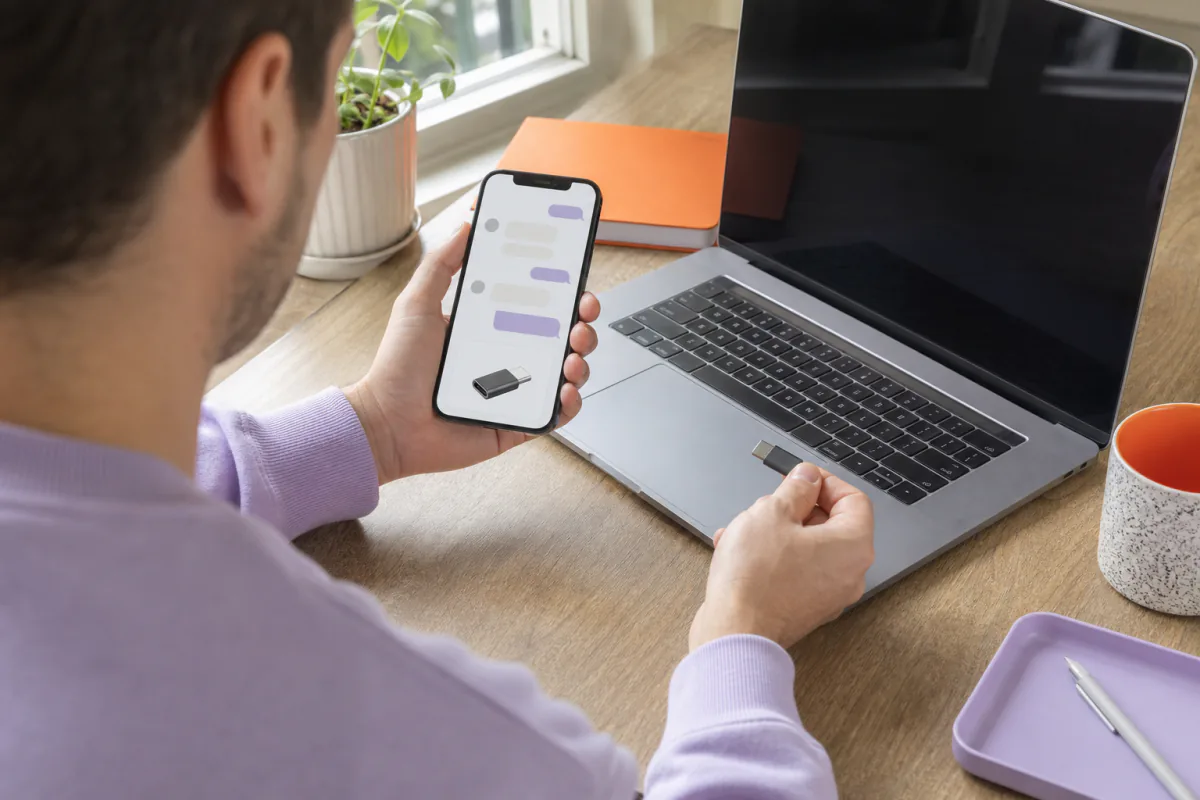
“I need a dock for my work laptop that can run two 4K monitors and charge it.”
A weak assistant returns the most popular docks.
A useful assistant asks:
- What is the exact laptop model and year?
- Which ports are available on the laptop?
- What refresh rate and connections do the monitors use?
- Is a particular operating system or corporate security restriction involved?
It can then state:
“I found two products that publish support for this laptop’s host connection and two 4K displays. Option A supplies the required charging power. Option B supports the displays but its published power output is below the laptop manufacturer’s adapter rating. I excluded three popular docks because their documentation does not verify this setup.”
The explanation matters as much as the products. It shows that the assistant applied constraints rather than merely matching words.
What should the AI never infer?
An electronics assistant should not claim:
- that identical connector shapes guarantee identical capability;
- that one model-year accessory fits another;
- that a charger is safe because the plug fits;
- that an item supports an unstated resolution, refresh rate, voltage, or data rate;
- that third-party compatibility is approved by a manufacturer;
- that a product works in every region;
- that a firmware update resolves an issue unless an approved source says so;
- that a visually similar replacement part is equivalent.
Compatibility, electrical safety, warranties, and regulated radio behavior are high-consequence facts. If the exact evidence is missing, the answer should name the missing fact and offer the next step.
This is the same principle used to prevent customer-service hallucinations: require an approved source for consequential claims and block the answer when none is available.
How can an electronics chatbot reduce returns?
It can reduce avoidable mistakes at three moments:
Before the purchase
The assistant verifies the exact device, filters incompatible variants, discloses requirements, and confirms what is included.
During setup
It retrieves approved instructions, identifies the correct port or cable, and checks known setup prerequisites. It should not improvise repair or electrical advice.
Before a return
It can ask whether the issue is a missing part, an overlooked protective tab, a connection sequence, a setting, or genuine incompatibility. If troubleshooting does not resolve the issue, the customer should still reach the store’s normal return path. The goal is to prevent unnecessary returns, not obstruct valid ones.
Our dedicated guide explains how to troubleshoot before an avoidable return without turning support into a retention trap.
How do you add an AI chatbot to an electronics store?
1. Choose one compatibility-heavy category
Start with cases, chargers, docks, adapters, replacement parts, or smart-home accessories. A narrow scope makes evidence gaps visible.
2. Build a model dictionary
Collect exact model identifiers, common aliases, model years, regional variants, and ambiguous family names. Never silently map an uncertain shopper description to one device.
3. Structure the relationship data
Record supported and unsupported combinations, requirements, limitations, and source documents. Preserve variant-level facts.
4. Connect current products and approved help
Loqara can search products in supported connected stores and answer from approved knowledge sources. Available product fields differ by platform and catalog. Loqara does not manufacture missing compatibility data or independently certify an electrical setup.
5. Define refusal and handoff rules
Require a source for exact compatibility, safety, warranty, or firmware claims. Route bespoke setups, contradictory sources, damaged hardware, and uncertain part numbers to a person.
6. Test with near-misses
Include adjacent model years, similar device names, different regional versions, a connector that fits but lacks the required protocol, missing fields, and intentionally incompatible combinations. A system that only sees easy matches has not been tested.
Which metrics show whether it works?
| Metric | What it reveals |
|---|---|
| Verified-match rate | How often evidence supports a useful product |
| Unsupported-claim rate | Whether answers exceed the source data; target zero |
| Constraint violation rate | Whether a suggested item breaks a stated requirement |
| Clarification completion | Whether shoppers can provide the needed model details |
| Product click and add-to-cart | Whether verified matches move the purchase forward |
| Compatibility-related return rate | Whether assisted orders still fail on fit or function |
| Handoff reason | Which products or data need specialist attention |
| No-match rate | Missing inventory, missing attributes, or unsupported demand |
Do not optimize for always returning a product. “No verified match” is a successful answer when every available item is incompatible.
When is an AI assistant the wrong first fix?
If model identifiers are inconsistent, compatibility lives only in images, old product pages contradict new manuals, or staff cannot verify the relationship themselves, improve the source data first.
The assistant can expose those gaps quickly, but a fluent interface does not repair them. A structured compatibility matrix, accurate variant pages, and clear diagrams may create more value before automation.
Frequently asked questions
Can an AI chatbot guarantee an accessory is compatible?
It can report that a product is listed as compatible in an approved, current source and explain the relevant requirements. It should not provide an unconditional guarantee when the device variant, region, firmware, other components, or intended setup remain unknown.
Can the chatbot identify a device from a photo?
An image may help narrow possibilities, but visually similar models can differ internally. Use the photo as a clue, then ask for a model number from the device settings, label, receipt, or manufacturer documentation before making a consequential recommendation.
Can it compare chargers, docks, or adapters?
Yes, when the catalog contains comparable facts. Align host requirements, ports, protocol, power, display limits, operating-system support, included parts, price, stock, and warranty. Missing fields should remain visibly unknown.
Does it know current prices and availability?
Only when connected to a current storefront or product source. The assistant should retrieve dynamic price and stock rather than repeat an old knowledge-base value. Integration depth and refresh behavior vary by platform.
Can an electronics chatbot give repair advice?
It can surface approved setup and troubleshooting instructions within the store’s defined scope. It should not improvise electrical repair, battery handling, disassembly, or safety advice. Damage, heat, smoke, swelling, exposed wiring, or uncertainty should follow the manufacturer’s safety guidance and reach qualified help.
Will it reduce electronics returns?
It may reduce returns caused by wrong models, misunderstood requirements, missing-in-box confusion, or simple setup problems. Measure compatibility-related return reasons for assisted orders. It cannot prevent defects, damage, changed minds, or failures outside the available evidence.
Can Loqara connect to my electronics catalog?
Loqara supports product search for connected Shopify, WooCommerce, Magento, and Verskis stores. The exact attributes available depend on what the store exposes. Compatibility matrices, manuals, and technical policies may also need to be added as approved knowledge.
The honest bottom line: the best electronics assistant is willing to exclude a popular product when the evidence does not prove it will work.
Try Loqara free with one compatibility-heavy category, real model data, and a specialist route for every setup the catalog cannot verify.