AI for e-commerce · July 7, 2026 · 12 min read
Get your store ready for Black Friday with an AI agent


Every year the same thing happens. Traffic climbs through November, the promo goes live, and support volume that was comfortable in October suddenly isn't. Tickets pile up over the weekend, response times slip, and the questions are almost all the same three or four: where's my order, will it arrive before the holidays, what's your returns window, do you have my size in stock.
The stores that get through Black Friday and Cyber Monday (BFCM) with their support intact didn't hire a seasonal army. They prepared months ahead — and the single highest-leverage thing you can do is put an AI agent in front of the surge so it absorbs the repetitive questions around the clock, in every language, and passes the genuinely tricky ones to a human. This guide covers what to set up, and — just as important — when.
Get ready for Black Friday by setting up an AI support agent now, in summer, not the week before. Load it with your holiday policies (shipping cutoffs, extended returns, promo terms), connect order lookup, configure human handoff and working hours, then test it on real traffic. It absorbs the repetitive surge 24/7 so your team handles the hard cases.
Quick take
- The surge is repetitive: most BFCM tickets are order status, shipping cutoffs, returns, and sizing — exactly what a grounded agent can answer 24/7.
- Prepare early: load holiday policies, connect order lookup, and test on real traffic in summer — not in the November scramble.
- Keep humans in the loop: the agent handles volume; a clean handoff routes the tricky cases to a person via a shared inbox.
- Plan for the aftermath: the "where's my order?" wave lands in December, after the sale — set up order lookup so it doesn't bury your team.

Why does Black Friday break e-commerce support?
Two curves collide. Order volume spikes — Shopify merchants alone did a record $14.6 billion over the 2025 BFCM weekend, up 27% on the year before — and so does the volume of questions around those orders. Meanwhile your support headcount is flat, your team is tired, and the questions arrive at midnight and on Sunday when no one is staffing the inbox.
The frustrating part is that most of that volume is repetitive. A shopper asking whether an item will ship in time, a buyer checking their order status, someone confirming your extended returns window — none of these need a human's judgement. But answered by hand, at scale, over a weekend, they swamp everything, including the handful of tickets that genuinely do need a person: a damaged item, a wrong charge, a customer deciding between two products worth a real sale.
When response times slip during your biggest sales window, you don't just annoy people — you lose carts. A shopper who can't get a quick answer about shipping before a deadline often just leaves. That's the real cost of an unprepared BFCM: not the tickets you close late, but the sales you never make.
How does an AI agent handle the BFCM surge?
An AI agent works the surge the way a good first-line rep would, except it never sleeps, never queues, and can hold a thousand conversations at once. Load it with your store's real content and it answers only from that — your policies, FAQs, shipping cutoffs, product data — with sources, so it isn't inventing a returns window under pressure. Connect order lookup and it can tell a customer where their order is after a quick identity check, which is the single biggest source of repetitive tickets during and after a sale.
The point isn't to remove humans. It's to let the agent absorb the predictable volume so your team's attention goes to the cases that actually need it. When the agent hits its limit, it hands off cleanly to a person — and because it's answering the easy 70% around the clock, that person has time to do the hard 30% well.
If your goal for the season is simply fewer tickets in the queue, that's a whole discipline on its own — our guide on reducing support tickets with AI goes deeper on where the deflection actually comes from.
What should I set up before Black Friday? (checklist)
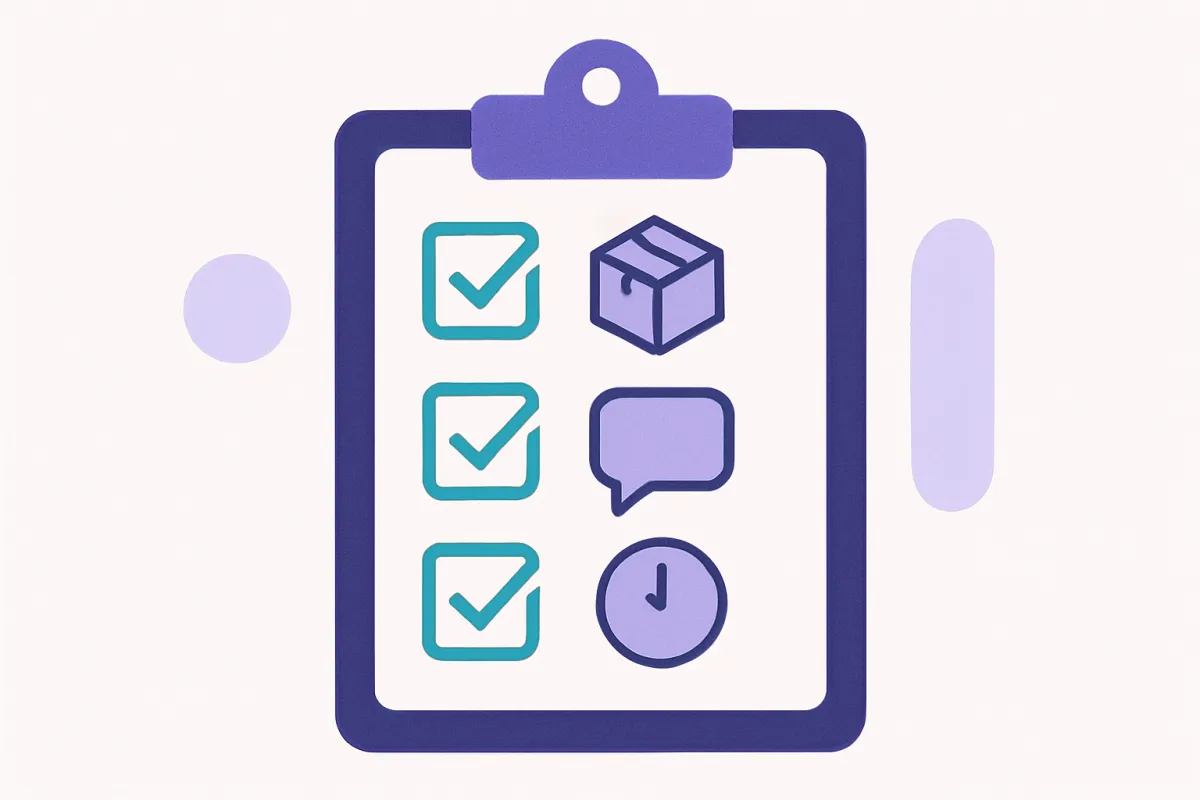
You don't need much, but the order matters. Work through these in advance, on your real traffic, so nothing is a surprise in November:
- Load your holiday policies. Feed the agent your shipping cutoff dates, any extended holiday returns window, and your promo terms (what's discounted, exclusions, gift-card rules). Ground it in your own content so it answers from your policy, not a guess. Draft the shipping-cutoff copy now even if the exact dates firm up later.
- Connect order lookup. This is the one that pays for itself. Let the agent look up a customer's order status after an identity check so "where's my order?" resolves itself instead of landing in your inbox.
- Set up human handoff. Decide what routes to a person — refunds, complaints, anything the agent isn't confident about — and make sure it lands in a shared inbox where your team can pick it up without the customer repeating themselves.
- Configure working hours. Tell the agent when humans are actually available so it sets expectations honestly ("a person will reply Monday morning") instead of promising an instant human at 3am.
- Turn on the languages you sell in. If BFCM brings international traffic, multilingual support means a shopper gets answered in a language they understand instead of bouncing — with Loqara today that means English and Lithuanian.
- Test on real traffic. Put it live on a quiet week, watch the real conversations, and fix the gaps — a missing FAQ, a policy the agent phrases awkwardly — while the stakes are low.
That last step is the one people skip and regret. An agent tested on live shoppers in September is a very different thing from one switched on cold the morning of the sale.
Set it up in summer, not the week before
The stores that win BFCM support didn't decide in mid-November. Standing up an agent takes an afternoon, but tuning it — spotting the FAQ gaps, getting the handoff rules right, watching how real customers actually phrase things — takes a few weeks of live traffic. Start now, in the quiet season, and by November you have a proven agent instead of a rushed one. The cost of waiting isn't setup time; it's launching an untested agent into your highest-stakes weekend of the year.
When should I start preparing?
Sooner than feels necessary. A rough timeline:
- Now (summer): install the agent, load your existing policies and FAQs, connect order lookup, and let it run on real traffic. Treat these months as the tuning window.
- Early autumn: review the conversations it's had. Fill the gaps it exposed, refine handoff rules, add the languages you'll need for the season.
- October: finalise your holiday-specific content — shipping cutoff dates, extended returns window, promo terms — and load it as soon as it's confirmed.
- Early November: freeze changes. Confirm working hours cover the weekend, brief your team on what the agent handles versus what routes to them, and stop tinkering.
- BFCM weekend: let it work. Watch the shared inbox for the handoffs, not the flood.
With a one-line embed, the installation is same-day — Loqara goes live the afternoon you paste the snippet. The reason to start in summer is the tuning, not the setup.
What about the post-purchase "where's my order?" wave?
The sale ends; the questions don't. In the two to three weeks after BFCM, a second wave arrives — everyone who bought over the weekend now wants to know where their package is, why it hasn't shipped, whether it'll arrive before the holidays. In our experience this wave can rival or even exceed the pre-sale one, and it's almost entirely order-status questions.
This is exactly what order lookup is for. With it connected, the agent answers "where's my order?" directly from live status after an identity check, at any hour, without a human touching it. Without it, that wave lands on your team in December when they're already stretched thin and the courier delays are worst. Setting up order lookup in the summer readiness checklist isn't just for the sale weekend — it's mostly for the month that follows it. And a smoother post-purchase experience is quietly one of the best ways to turn a one-time BFCM buyer into a repeat customer.
Should I still keep humans in the loop?
Always. An AI agent isn't a replacement for your team — it's what protects your team's attention during the one weekend they can't afford to drown. The agent handles the repetitive volume so your people handle the judgement calls: the upset customer, the wrong charge, the shopper who's this close to a €400 order and just needs a real answer about fit.
That's why clean handoff matters more than raw deflection. Loqara routes anything the agent can't confidently resolve into a shared inbox, with the conversation history attached, so a human steps in without the customer starting over. If a shopper is clearly ready to buy but stalling, the agent can also nudge — the same mechanics that help recover abandoned carts apply doubly when carts are big and deadlines are tight. The goal is a team that spends BFCM on the conversations that move revenue, not on typing the shipping cutoff for the two-hundredth time.
Frequently asked questions
How far in advance should I set up an AI agent for Black Friday?
Start in the summer. The installation itself is same-day with a one-line embed, but tuning the agent — filling FAQ gaps, refining handoff rules, watching how real customers phrase questions — takes a few weeks of live traffic. Standing it up months ahead means you go into BFCM with a proven agent rather than an untested one launched cold into your biggest weekend.
What holiday-specific content should I load into the agent?
Three things: your shipping cutoff dates (so shoppers know if an item arrives in time), any extended holiday returns window, and your promo terms — what's discounted, any exclusions, and gift-card rules. Load these as soon as they're confirmed. Because a grounded agent answers only from your content with sources, it states your actual policy rather than guessing under pressure.
Will an AI agent handle the "where's my order?" wave after the sale?
Yes, if you connect order lookup. After BFCM, a large wave of order-status questions arrives as everyone tracks their packages. With order lookup, the agent answers directly from live status after a quick identity check, at any hour, without a human. This post-purchase wave can be as big as the pre-sale one, so it's the main reason to set lookup up early.
Do I still need human support staff during BFCM?
Yes. The agent absorbs the repetitive volume — order status, shipping, returns, sizing — so your team can focus on the cases that need judgement: complaints, wrong charges, high-value buyers deciding. A clean handoff routes those into a shared inbox with the conversation history attached, so a person steps in without the customer repeating themselves. Fewer humans drowning, not fewer humans.
Can the agent answer international shoppers during the holiday rush?
Yes, within the languages your agent supports — Loqara currently speaks English and Lithuanian, so a shopper who lands during a BFCM promo gets answered in either rather than bouncing. If your holiday traffic includes markets you don't staff around the clock, this matters even more — the agent covers those languages 24/7 while your team sleeps.
How much does it cost to run an AI agent through the surge?
Loqara is priced per conversation, with a genuine free tier of 100 conversations a month, so you can test on real traffic before the season without committing. Per-conversation pricing also means your cost scales with the surge in a predictable way rather than forcing you to guess a seat count in advance. Voice is an optional paid add-on if you want it.
Is it too late to set one up if it's already autumn?
No, but move quickly. You lose some of the tuning window, so prioritise: load your policies and order lookup first, test on a quiet week, then set handoff and working hours. Even a couple of weeks of live traffic before BFCM beats switching an untested agent on the morning of the sale. Earlier is better, but late is still far better than never.
The bottom line: Black Friday support isn't won in November — it's won by the stores that quietly set up and tuned an AI agent through the summer. Load it with your holiday policies, connect order lookup, get handoff and working hours right, and test it on real traffic while the stakes are low. Then let it absorb the repetitive surge 24/7 while your team handles the cases that actually move revenue.
Set up your AI agent for Black Friday — one line to install, live the same afternoon, free for your first 100 conversations.