Vendor comparisons · July 7, 2026 · 13 min read
How much does an AI chatbot cost in 2026?

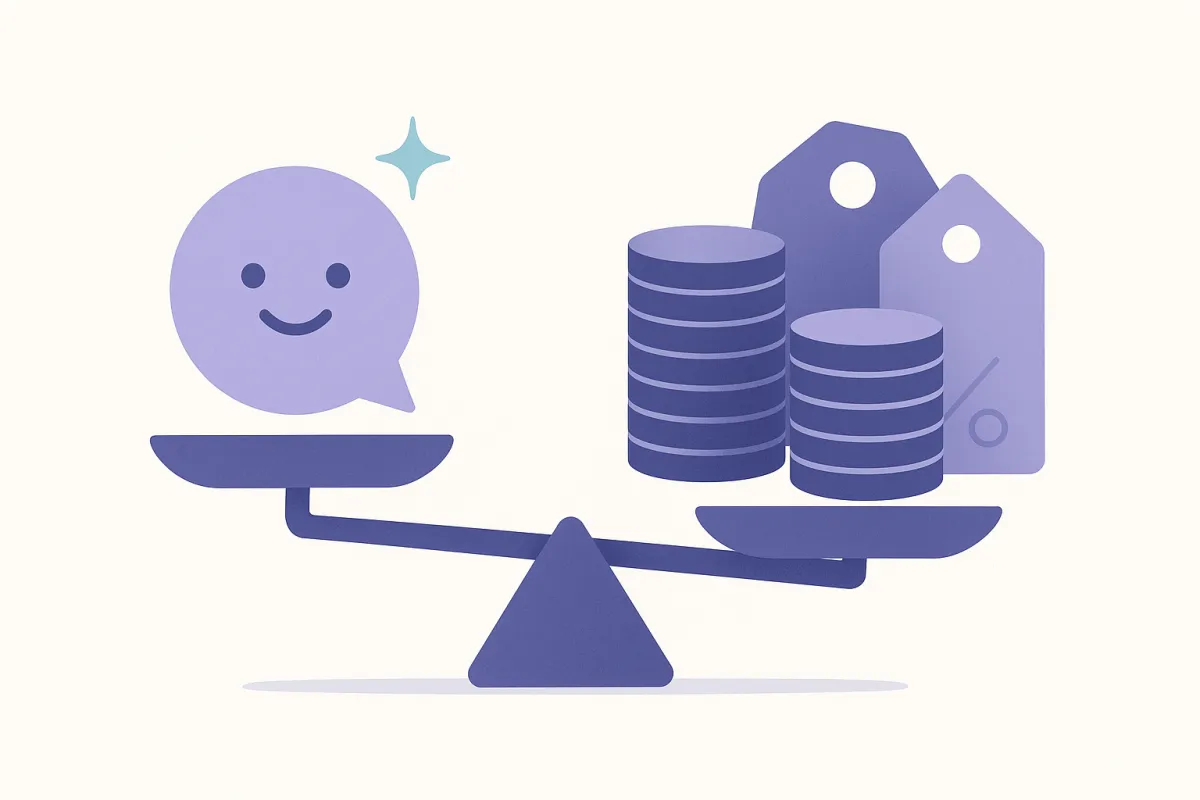
Ask five vendors what an AI chatbot costs and you'll get five wildly different answers — some quote a few dollars a month, others a few thousand. Both can be telling the truth. The sticker price barely matters; what matters is the pricing model underneath it, because in our experience the same store traffic can cost several times more under one model than another.
This guide breaks down what AI chatbots actually cost in 2026, the three pricing models you'll run into, the hidden fees nobody advertises, and — most usefully — how to estimate what your store will pay before you commit to anyone.
AI chatbots in 2026 range from free tiers to thousands per month, but the price depends far more on the pricing model than the headline number. The three models are per-seat plus an AI add-on, per-resolution, and per-conversation. Model your real monthly volume against each unit before you commit — the same traffic can cost several times more under one than another.
Quick take
- The model beats the sticker price: per-seat, per-resolution, and per-conversation billing produce very different bills on identical traffic.
- Volume and channels drive cost more than features: how many customers message you, and on how many channels, moves the number most.
- Watch the hidden fees: setup and onboarding charges, per-seat minimums, and generously-defined "resolutions" are where budgets slip.
- Estimate before you buy: take your real monthly conversation count and run it through each vendor's pricing unit — a real free tier lets you test on actual traffic first.
What does an AI chatbot actually cost in 2026?
There's no single number, and anyone who gives you one is selling something. In practice, prices cluster into a few bands:
- Free tiers — a genuine free allowance (a set number of conversations per month) that's enough for a small store to prove value before paying anything.
- Small-store plans — modest monthly subscriptions aimed at one or two people running a growing store.
- Team and helpdesk suites — priced per seat plus an AI add-on, aimed at support teams living in an inbox all day.
- Enterprise — custom-quoted, with onboarding and services layered on top.
The band you land in is set less by the tool's feature list and more by two things: how much your customers message you, and how the vendor charges for it. A store getting a few hundred messages a month and one getting fifty thousand are shopping in completely different worlds — even on the same product.

Why do AI chatbot prices vary so much?
Because vendors are measuring different things. Five levers do most of the work:
1. Volume. How many customers message you each month. This is the single biggest driver on almost every plan — more traffic, higher bill, regardless of model.
2. Channels. Chat only, or chat plus email, social, SMS, and voice? Every extra channel is more surface to staff and usually more to pay for.
3. The AI billing unit. Do you pay per resolution, per conversation, or a flat AI add-on? This is the sleeper variable — it can swing the total more than volume does (more on this below).
4. Seats. Helpdesk suites charge per human agent. A five-person support team pays five times the base before any AI enters the picture.
5. Setup and onboarding. Some tools are a one-line embed you're running the same day; others quote implementation, integration, or onboarding fees that dwarf the first months of subscription.
Understand which levers a given vendor pulls and the "why is this so expensive?" mystery usually dissolves.
The three pricing models, explained
Almost every AI chatbot bills you one of three ways. Knowing which is the fastest way to compare two quotes honestly.
| Pricing model | What you pay for | Best fit | Cost predictability |
|---|---|---|---|
| Per seat + AI add-on (Zendesk / Intercom style) | A monthly fee per human agent, plus AI billed on top (Zendesk pricing, Intercom pricing) | Established support teams with several agents | Medium — seats are fixed, but the AI add-on can scale |
| Per resolution (Gorgias / Fin style) | A fee each time the AI "resolves" an issue, on top of base tiers (Gorgias pricing) | Higher-volume teams that live in the inbox | Lower — a "resolution" is vendor-defined and can trigger often |
| Per conversation (Loqara style) | A fee per customer thread, whether the AI answers one message or ten | Small–mid stores wanting a bill that tracks real traffic | Higher — one thread is one unit, easy to forecast |
Model names reference how each vendor typically bills as of mid-2026. Specifics change — always check each vendor's current pricing page.
The per-seat model made sense when software was priced by the number of people using it. But AI does the answering now, so paying per human seat can mean paying for capacity you no longer need. Per-resolution and per-conversation both try to price the work the AI does — but they define that work very differently, which is exactly where stores get caught out.
Per-resolution vs per-conversation: what's the difference?
This is the distinction that quietly decides your bill.
A conversation is one customer thread — one person, one back-and-forth, however many messages it takes. It's easy to count and easy to forecast, because it maps to something you already track: how many customers reached out.
A resolution is whatever the vendor says it is. Often it means "the AI handled an issue without a human," but the trigger conditions are set by the vendor, not you. Intercom's Fin, for example, counts a billable "outcome" not only when the customer confirms they're helped but also when they simply don't ask for more help after Fin responds — though it charges at most once per conversation, at $0.99 per outcome (Intercom pricing). Zendesk bills AI usage on "automated resolutions" — requests the AI resolved without escalating to a human (Zendesk pricing). So a resolution can fire on interactions you wouldn't have called a resolved ticket at all. The unit isn't wrong — it's just harder to predict, and the definition is the vendor's, not yours.
The per-resolution vs per-conversation trap
"$X per resolution" and "$X per conversation" look comparable on a pricing page — they are not. A conversation is one customer thread you can count in advance. A "resolution" is defined by the vendor and can be triggered generously, so the same traffic can bill meaningfully higher under a per-resolution model than a per-conversation one. Before you sign, ask the vendor to define a resolution in writing, then run your real monthly volume through both units. Our buyer's checklist covers the exact questions to ask.
What would 1,000 conversations actually cost? (an illustrative example)
To make the models concrete, here's a deliberately simplified, illustrative example — not a real quote from any vendor. Imagine a store with 1,000 customer threads a month, of which the AI handles about 700 on its own.
| Model | How it's counted | Directional monthly bill |
|---|---|---|
| Per seat + AI add-on | 3 agent seats + a flat AI module, whether you get 1,000 threads or 100 | Fixed base, roughly flat |
| Per resolution | Billed on ~700 AI "resolutions" — more if the vendor's definition triggers generously | Scales with resolutions; can exceed the others |
| Per conversation | Billed on 1,000 threads, one unit each | Scales cleanly and predictably with traffic |
This is an illustrative example to show how the same traffic maps to different units — not real vendor pricing. Always model against current published rates.
The point isn't which model is cheapest — it depends entirely on your volume and how the vendor defines its unit. The point is that the same 1,000 threads produce three different bills, and you can't compare quotes until you translate them all into the same unit: your own real traffic.
What hidden costs should I watch for?
The subscription line is rarely the whole story. The costs that surprise store owners:
- Setup and onboarding fees. Some suites charge a one-off implementation fee — occasionally more than a year of subscription. A one-line embed you install yourself has none of this.
- Per-seat minimums. "From $X/agent" often hides a minimum seat count, so a two-person store pays for five.
- Overage rates. What happens when you blow past your included resolutions or conversations? Overage pricing is usually far less friendly than the base rate.
- Add-ons for the basics. The AI itself, extra channels, or voice can each be separate paid modules. Loqara, for instance, includes grounded chat in the base plan and treats voice as an optional add-on — so you only pay for it if you want customers to talk to your store.
- The cost of a bad bot. An ungrounded chatbot that invents policies creates tickets instead of closing them. Cheaper on paper, expensive in practice — the real return comes from deflecting repetitive tickets, which is worth measuring with proper ROI metrics.
How do I estimate my own cost?
Skip the pricing-page math and start from your own numbers:
- Count your real monthly conversations. Pull how many customer threads you get in an average month from your current inbox or chat tool. This is your baseline unit.
- Estimate the AI's share. Roughly what fraction are repetitive questions the AI could handle — order status, sizing, returns? That's your likely "resolution" count.
- Translate every quote into your traffic. For each vendor, multiply your numbers through their unit — per seat, per resolution, or per conversation. Now you're comparing like with like.
- Add the one-off fees. Layer in any setup, onboarding, or minimum-seat costs. Amortise them over the first year.
- Test on a real free tier first. The cheapest way to validate any estimate is to run the tool on your actual traffic. A genuine free allowance — Loqara's is 100 conversations a month — lets you see the real numbers before you pay a cent.
Do this once and the "how much does it cost?" question answers itself, in your currency and your volume rather than the vendor's. If you're a small store still deciding whether AI support is worth it at all, our guide to AI customer service for small online stores covers that decision from the budget side.
Do not fill the model with a generic industry resolution percentage. The current AI customer service statistics for 2026 show strong adoption and reported value, but they also explain why those surveys do not supply a comparable cost or deflection benchmark for your store.
Frequently asked questions
How much does an AI chatbot cost per month in 2026?
It ranges from free to several thousand dollars a month, depending on the pricing model and your traffic. Small stores often start on a free tier or a modest subscription; large support teams pay per seat plus an AI add-on, or per resolution. The honest answer is to model your own monthly conversation volume against each vendor's pricing unit rather than trust a single headline figure.
Is there a free AI chatbot for small stores?
Yes — a real free tier is often enough for a starting store. Loqara includes 100 conversations a month free, which covers the repetitive questions most small stores get and lets you prove the value on real traffic before paying. "Free" plans that lock the actual AI behind an add-on are less useful; check that the free tier includes the thing you're there for.
What's the difference between per-resolution and per-conversation pricing?
A conversation is one customer thread — easy to count and forecast. A resolution is a vendor-defined event that fires when the AI "handles" an issue, and its trigger conditions are set by the vendor — Intercom's Fin, for instance, counts an outcome even when the customer simply stops asking for help (Intercom pricing). Because the trigger is out of your hands, per-resolution pricing is less predictable than per-conversation on identical traffic.
Why are some AI chatbots so much more expensive than others?
Because they charge for different things. Helpdesk suites bill per human seat plus an AI module and often add setup fees, so a multi-agent team pays a large fixed base. A per-conversation tool with a one-line install and no seat minimums bills only on real traffic. Same "AI chatbot" label, very different cost structures underneath.
Do AI chatbots charge setup or onboarding fees?
Some do — larger suites may quote one-off implementation, integration, or onboarding fees, occasionally exceeding a year's subscription. Others don't: a tool with a one-line embed you install yourself, like Loqara, has no setup fee and can be live the same day. Always ask about one-off costs, not just the monthly rate, when comparing quotes.
How do I estimate my own AI chatbot cost?
Start with your real monthly conversation count from your current inbox, estimate what share the AI could handle, then run those numbers through each vendor's pricing unit — per seat, per resolution, or per conversation. Add any setup and minimum-seat fees, amortised over a year. Then validate the estimate by testing on a real free tier before committing.
Does voice cost extra on an AI chatbot?
Usually, yes — real-time voice is a heavier feature and most tools that offer it treat it as a separate paid module. With Loqara, grounded AI chat is included in the base plan and voice is an optional add-on, so you only pay for it if you want customers to be able to talk to your store rather than type.
The honest bottom line: don't shop for AI chatbots by sticker price. Figure out the pricing model first, translate every quote into your own real conversation volume, and watch for setup fees and generously-defined resolutions. For most small and growing stores, a per-conversation tool with a real free tier keeps costs predictable as you grow — which is exactly why Loqara is priced per conversation, includes 100 free conversations a month, and installs with a single line.
Try Loqara free on your store — 100 conversations a month, no credit card, live the same day.
Pricing details for other tools are approximate and as of mid-2026 — always check each vendor's current pricing page.