AI for e-commerce · June 22, 2026 · 11 min read
Capture more leads with conversational chat

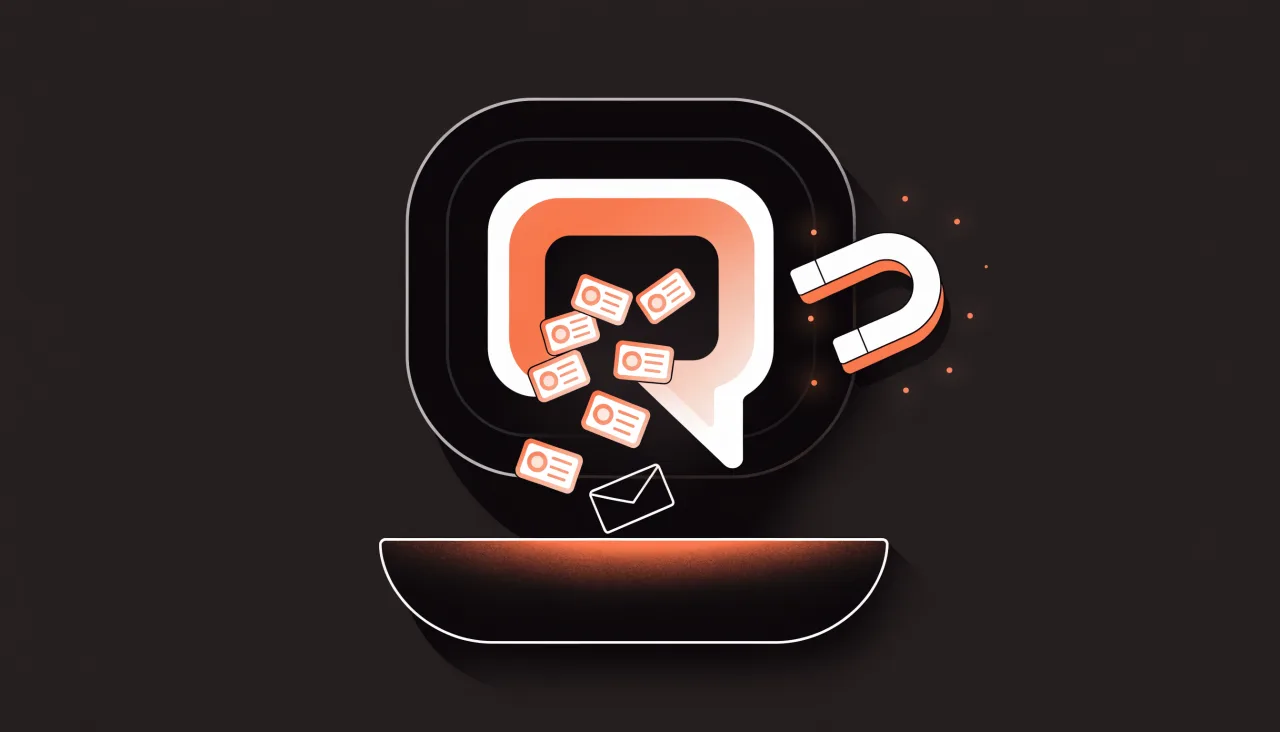
Most stores treat chat as a cost center — a place to deflect support tickets and move on. That's only half the value. The other half is that your chat widget is talking to people at the exact moment they're deciding whether to buy. Someone asking "does this run small?" or "do you ship to Germany?" isn't browsing idly. They've raised their hand. Treated well, conversational chat is the highest-intent lead channel you have — higher than a newsletter pop-up, higher than a footer contact form, higher than most of your paid traffic.
The problem is that the old playbook — gate the conversation behind a form, collect the email, follow up cold — kills the very intent that made the lead valuable. This guide is about the other way: capturing leads inside a real conversation, after you've actually helped, so the ask feels like a favour rather than a toll booth. We'll cover why forms leak leads, what to ask and when, how to qualify and route automatically, and how an AI agent does all of this 24/7 without ever being pushy.
Help first, capture second. Answer the visitor's question, then ask for one detail — leading with value, once, and skippable. Because chat reaches people mid-decision, the lead arrives pre-qualified with the product and objection attached. An AI agent like Loqara does this 24/7 and hands off to a human with the full thread, so nothing gets lost.
Quick take
- Chat is your highest-intent channel: it reaches people mid-decision, not after they've already given up and gone to the contact page.
- Conversations qualify; forms don't: by the time you ask for a detail, you already know what the visitor wants — so the lead arrives pre-qualified.
- Lead with value, ask once: "I can email you the size guide and a 10% code — what's your email?" beats "Enter your email to continue."
- An AI agent does this around the clock: it answers from your real content first, captures the lead only when it can't fully answer or sees buying intent, then hands off to a human with the full thread attached.
Why forms leak leads (and chat doesn't)
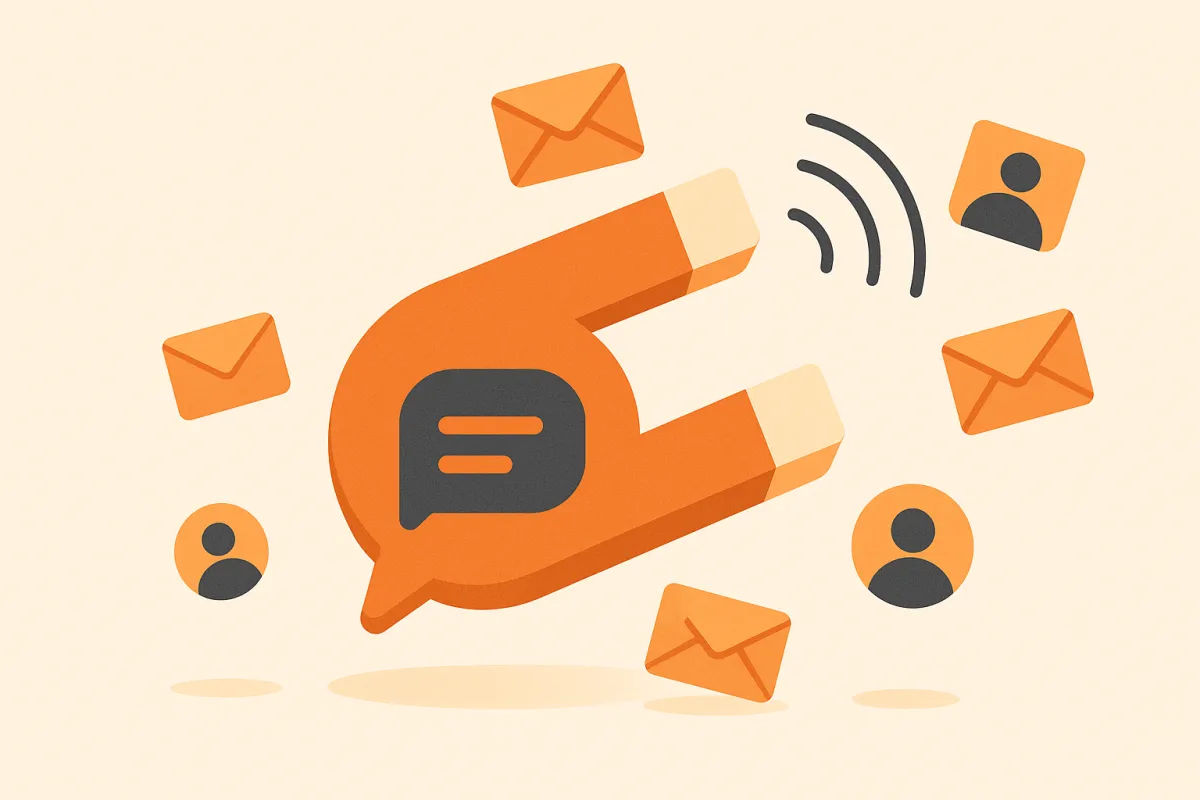
A static form is a bet that the visitor will do unpaid work — read the fields, decide what's relevant, type it out, and hope someone replies — before they've received anything in return. Most won't take that bet. A footer contact form only catches the small slice of people who were already determined to reach out; everyone else who had a question and no instant answer simply leaves. You never see them, so the leak is invisible.
Chat inverts the order. The visitor gets help first — a real answer to a real question — and the contact detail comes after, in context, as a natural next step. By then you've earned the ask. Just as important, you've learned something: a conversation tells you which product they were looking at, what objection stopped them, whether they're comparing you to a competitor. A form gives you an email and a blank. Here's the difference laid out:
| Static form | Conversational capture | |
|---|---|---|
| When it fires | After the visitor decides to reach out | Mid-decision, while intent is fresh |
| Effort asked of the visitor | Fill every field up front | One detail, after they've been helped |
| Context captured | Just an email (and maybe a dropdown) | The full question, product, and objection |
| Lead quality | Mixed — includes idle and spam | Pre-qualified by the conversation itself |
| Availability | Always on, but silent | Always on, and actively helping 24/7 |
| Failure mode | Visitor leaves with no trace | Worst case, you still captured the question |
None of this means forms are useless — a checkout form has a job to do. But for capturing demand, in our experience a conversation that helps first out-converts a field-by-field form on the same traffic, and the leads it produces are warmer because the intent was real and the context came along for free. (If you're weighing this against your overall support stack, our buyer's checklist covers what actually matters when choosing an agent.)
What to ask — and when
Timing is the whole game. Ask too early and you're a toll booth; ask at the right moment and you're being helpful. The best moments to request a detail are when value has just been delivered or is about to be. A few best practices that hold up across stores:
- Answer first, capture second. Never gate the whole conversation behind a form. Resolve the question, then offer to follow up. The order is non-negotiable — it's the difference between a favour and a fee.
- Lead with value, not with a field. "I can email you the size guide and a 10% code — what's your email?" lands far better than "Enter your email to continue." Name the thing they get.
- Ask once, and make it skippable. A visitor who says "no thanks" should keep getting help, not hit a wall. Pressure costs you the sale you were about to make. One clean ask, then move on.
- Capture on out-of-stock and pre-orders. "Want me to let you know when it's back?" is genuinely useful — it turns a dead end into a reason to leave a contact detail.
- Help comparison shoppers decide. When someone is weighing two products, offer to email a short summary or a code that tips the decision. You're removing friction, not adding it.
- Turn off-hours into leads. If no human is available and the agent can't fully resolve it, capturing the question plus a contact detail turns a missed handoff into a follow-up instead of a lost visitor.
The one rule that matters most
Help before you ask. Every other tactic on this page is a variation of it. A visitor who has just been given a real answer will happily leave an email; a visitor who is asked for one before getting anything will leave the site. If you only change one thing about how your store captures leads, change the order — answer first, capture second.
How do you qualify and route leads automatically?
A captured email sitting in a dashboard isn't a lead — it's a missed one. The value is realised only when the right person follows up while the intent is still warm, and that means qualifying and routing need to happen without anyone babysitting the inbox.
This is where a grounded AI agent earns its place. Because it has already had the conversation, it knows why the lead came in — the product, the question, the objection — so qualification isn't a separate guessing step bolted on afterwards. A high-intent "ready to buy, just need sizing" thread can be flagged differently from a "browsing for next season" one. The agent answers from your own content and catalog first — grounded answers, not invented ones — and only reaches for the lead capture when it genuinely can't fully resolve the question or when the visitor shows clear buying intent. That restraint is what keeps it from feeling pushy.
Technical B2B requests need a deeper brief than ordinary lead capture. Application, mandatory specifications, quantity, destination, deadline, and unresolved risks should travel with the conversation; the B2B e-commerce chatbot guide shows how to collect that context without pretending the bot can engineer a solution or issue a quote.
Routing should land the lead where your team already works, with the full conversation attached so nothing is lost:
- Into a shared inbox so a human can pick up the thread exactly where the agent left off — no "can you repeat that?", no cold restart.
- With full context — the question asked, the product viewed, the answer given — so the follow-up continues the conversation rather than starting a new one.
- At the right priority, so a hot pre-purchase question doesn't sit behind a routine "where's my order?" message.
Loqara does this inside the same widget that handles support. It answers grounded questions, searches connected product catalogs, captures the lead when the moment is right, and hands off to a human through a shared inbox with the whole thread intact. Supported WooCommerce and Magento stores can also enable identity-checked order lookup; Shopify, Verskis, and feed stores cannot today. Because it's available 24/7, the off-hours visitor who would have hit a silent form instead leaves a qualified lead—and your team wakes up to context, not a cold address. It installs with one line, and there's a free tier (100 conversations a month) so you can prove it on your own traffic before paying. There's also an optional voice agent (English and Lithuanian) for stores whose customers would rather talk than type.
Don't forget to measure it
Track leads captured right alongside your support numbers — it's one of the metrics that actually matter for a store agent. If deflection is high but lead capture is near zero, that's a flashing red light, not a win: the high-intent conversations are happening, you're just letting the intent walk out the door. Watch capture rate, lead quality (did they convert?), and how fast the human follow-up happens. Those three tell you whether chat is earning its keep on sales as well as support.
Frequently asked questions
How do I capture leads through live chat without being pushy?
Help first, ask second. Resolve the visitor's question, then offer something genuinely useful — a size guide, a back-in-stock alert, a comparison summary — in exchange for a contact detail. Make the ask skippable so a "no" doesn't end the help, and only ask once per conversation.
Why does conversational chat capture better leads than a form?
A form fires only after a visitor has already decided to reach out, and it captures little beyond an email. Chat reaches people mid-decision, while intent is fresh, and the conversation itself records the product, question, and objection. That context means the lead arrives pre-qualified rather than as a blank address.
When is the best moment to ask for a visitor's email in chat?
Right after value has been delivered or is about to be: after a helpful answer, on an out-of-stock or pre-order item ("want me to tell you when it's back?"), when someone is comparing products, or at handoff when no human is available off-hours. The common thread is that you ask once the visitor has a clear reason to say yes.
Can an AI chatbot capture leads automatically while qualifying them?
Yes. A grounded AI agent answers from your real content first and only captures a lead when it can't fully resolve the question or when the visitor shows buying intent. Because it has already had the conversation, it captures the qualifying context — product, question, intent — automatically, with no separate form.
What should happen to a lead after the chat captures it?
It should route straight into a shared inbox or your CRM with the full conversation attached, so a human can follow up where the chat left off instead of starting cold. Hot pre-purchase leads should be prioritised over routine questions. A lead that just sits in a dashboard is a missed one.
Does conversational lead capture work outside business hours?
That's where it shines. An AI agent runs 24/7, so the off-hours visitor who would otherwise hit a silent form gets a real answer and a chance to leave a contact detail. The question and contact then wait in your inbox with full context for the next available human.
The bottom line: the leads are already there, mid-conversation, at the highest-intent moment your store gets. A form makes them work before you help and learns almost nothing about them; a conversation helps first, captures second, and hands your team a warm, qualified lead with the full context attached. Answer first, ask once, route with context — and chat starts earning its keep on sales as well as support.
Try Loqara on your store free — one line, no credit card, live in an afternoon.